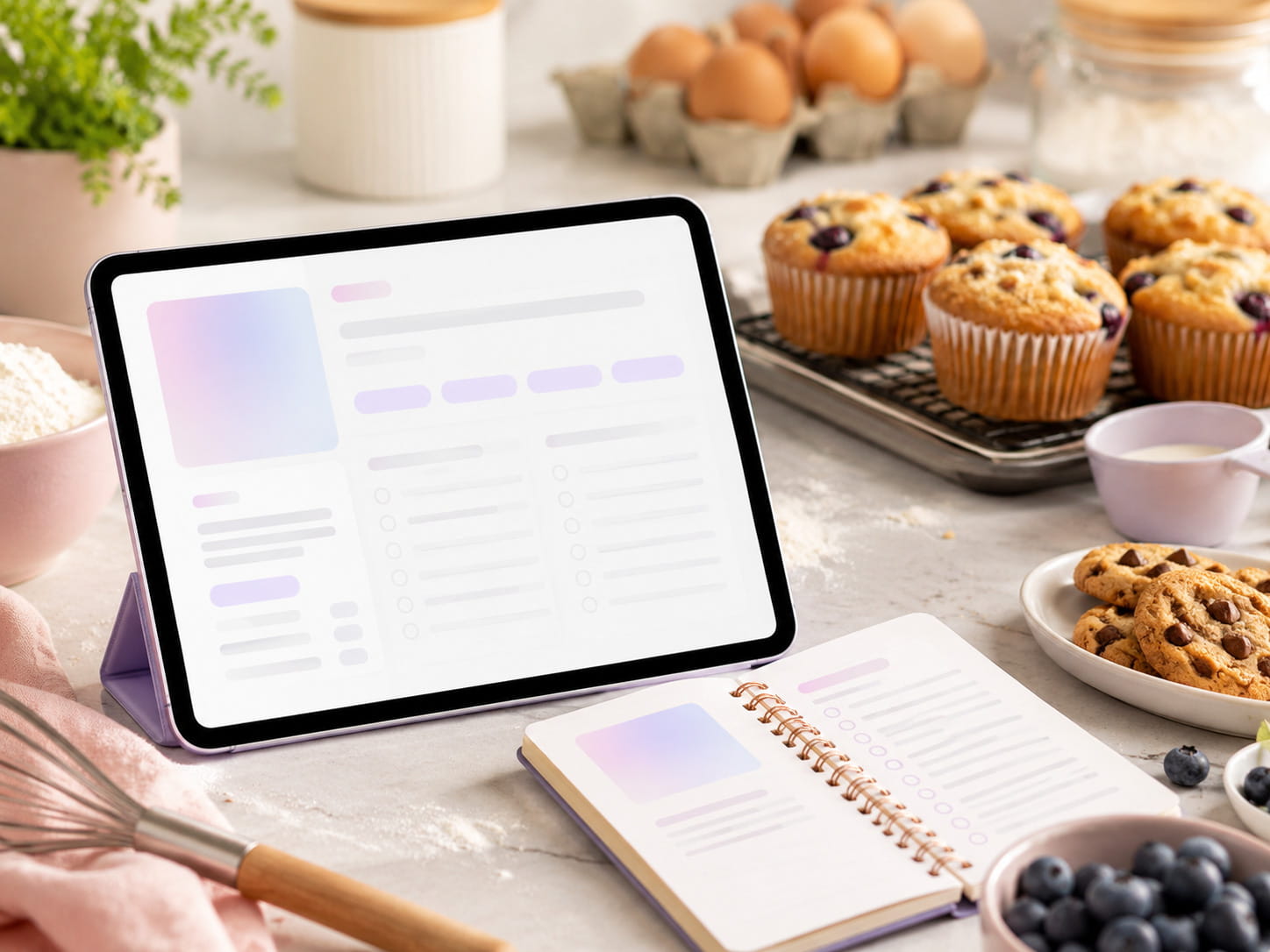
Cook without rewinding
Follow clear, ordered steps while the original video stays close by.
Your YouTube recipe helper
Get the ingredients, clear step-by-step instructions, timings and estimated nutrition when available — without constantly pausing and rewinding.
6 free recipes every month Saved across devices Original creators always linked
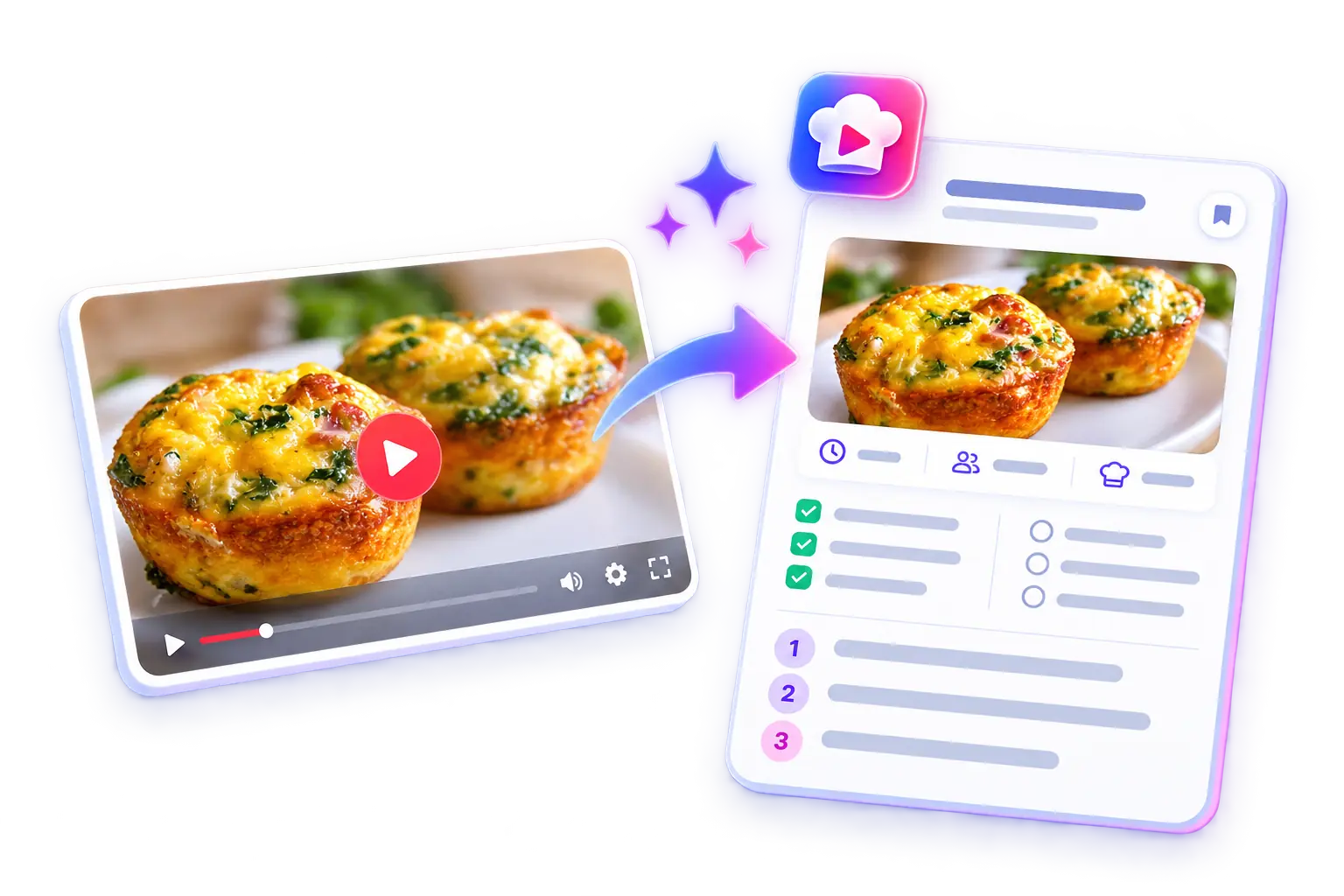
See it in action
Watch the real demo, then open the finished recipe and see exactly what ChefScribe keeps.
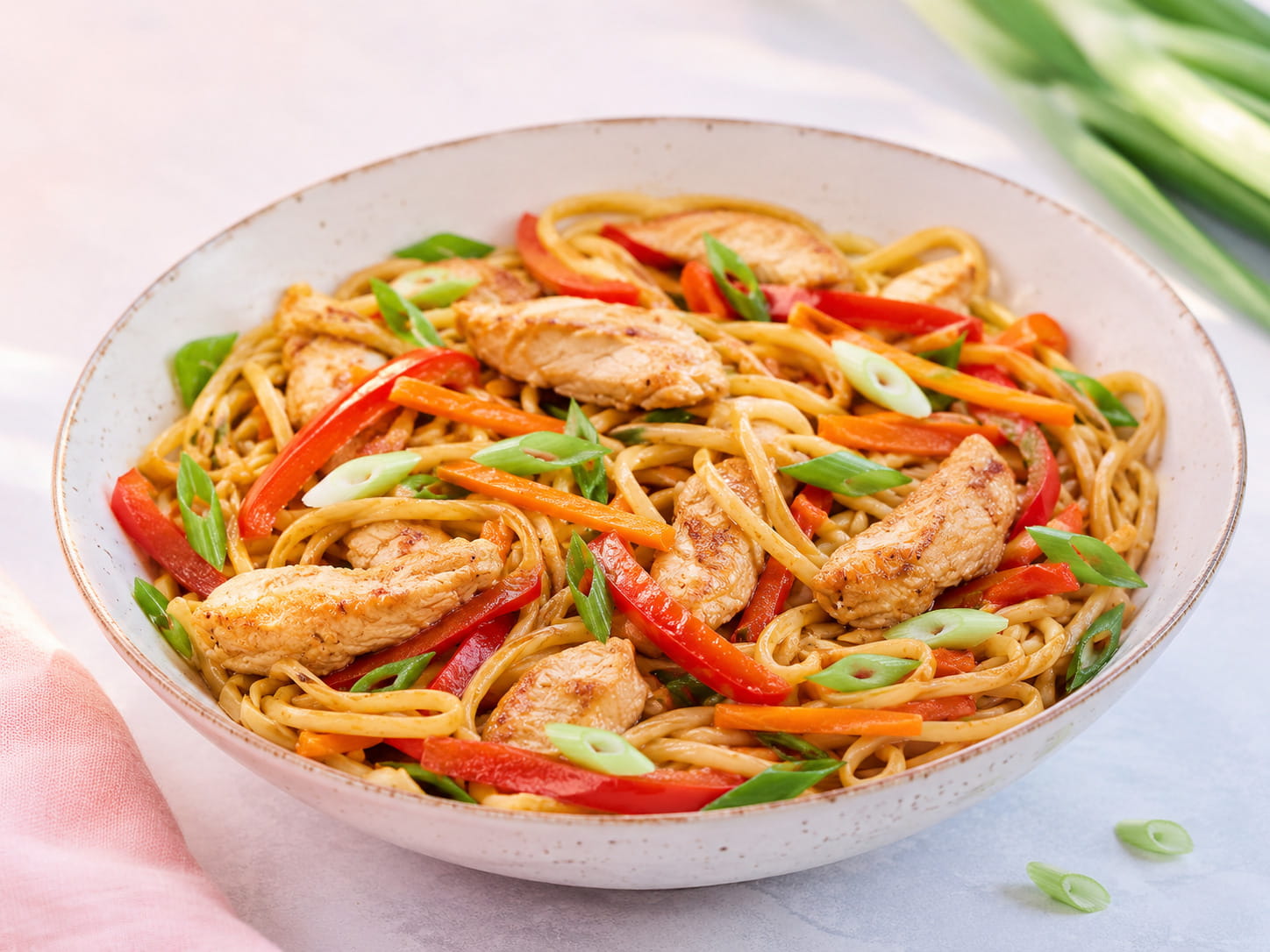
Ingredients, ordered steps and a link to the original video.
View the recipe cardMade for people who love food
Built for real home cooks
Follow clear, ordered steps while the original video stays close by.
Save recipes, folders, tags and favourites in one searchable collection.
Adjust servings, build shopping lists, print recipes and plan your week.
Real recipes, real creators
Open a finished recipe card and see how clear cooking from video can be.
Simple pricing
Both Pro plans include the same daily extraction allowance. Annual billing is £48 upfront. Prices shown in GBP.
Compare plans and upgrade No payment needed to start.Common questions
Yes. ChefScribe is free to install and includes 6 free recipe extractions each month. Pro includes up to 50 recipe extractions per day, for £4.99 per month or £48 per year.
ChefScribe is designed for YouTube cooking videos with enough recipe information available. Results vary by video, and YouTube Shorts are not supported.
Yes. Your saved recipe library is available on the web, and recipe links can be opened on your phone or tablet. The Chrome extension itself requires desktop Chrome.
No. Nutrition is estimated from the available ingredients, quantities and serving information. Missing details, brands and substitutions can affect the figures. Estimates are shown when enough information is available.
Yes. You can manage or cancel your ChefScribe subscription from your account.

Turn it into clear ingredients and cooking steps in seconds.
6 free recipes every month.