Save and organise
Keep favourites in your collection. Use folders, tags and stars to find them again.
HOW CHEFSCRIBE WORKS
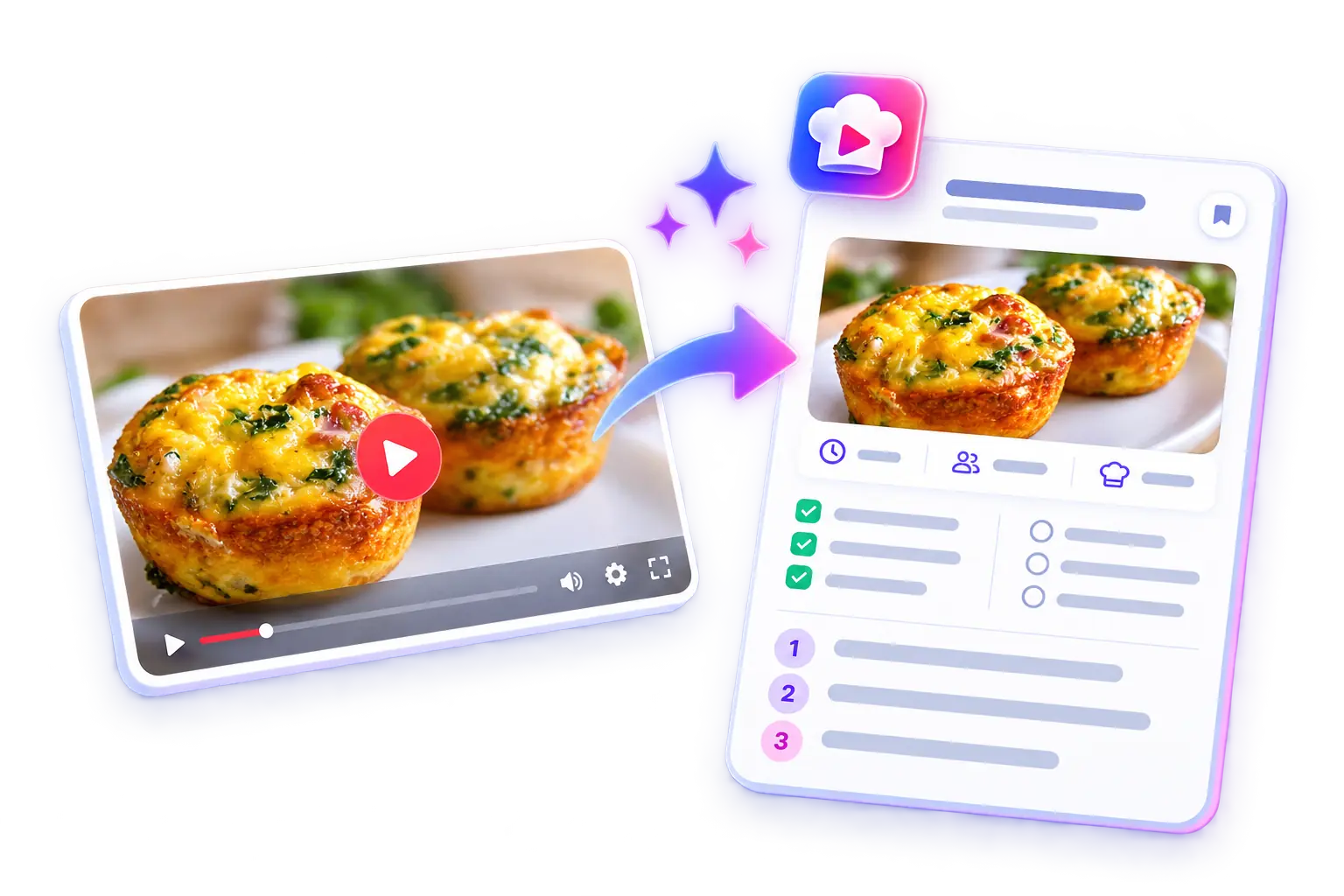
Turn a YouTube cooking video into ingredients and clear steps you can follow. Here’s how to make your first recipe card.
6 free extractions each month · Extension for desktop Chrome
START HERE
Install once, then keep ChefScribe handy for the next cooking video that catches your eye.
Open the Chrome Web Store listing on your computer and choose Add to Chrome.
Open Chrome’s Extensions menu and pin ChefScribe so it’s easy to find.
Use your ChefScribe account to keep your saved recipe collection together.
YOUR FIRST RECIPE
Open a YouTube recipe in desktop Chrome. Choose one with clearly explained ingredients and instructions.
Click the ChefScribe icon in your toolbar while the video is open.
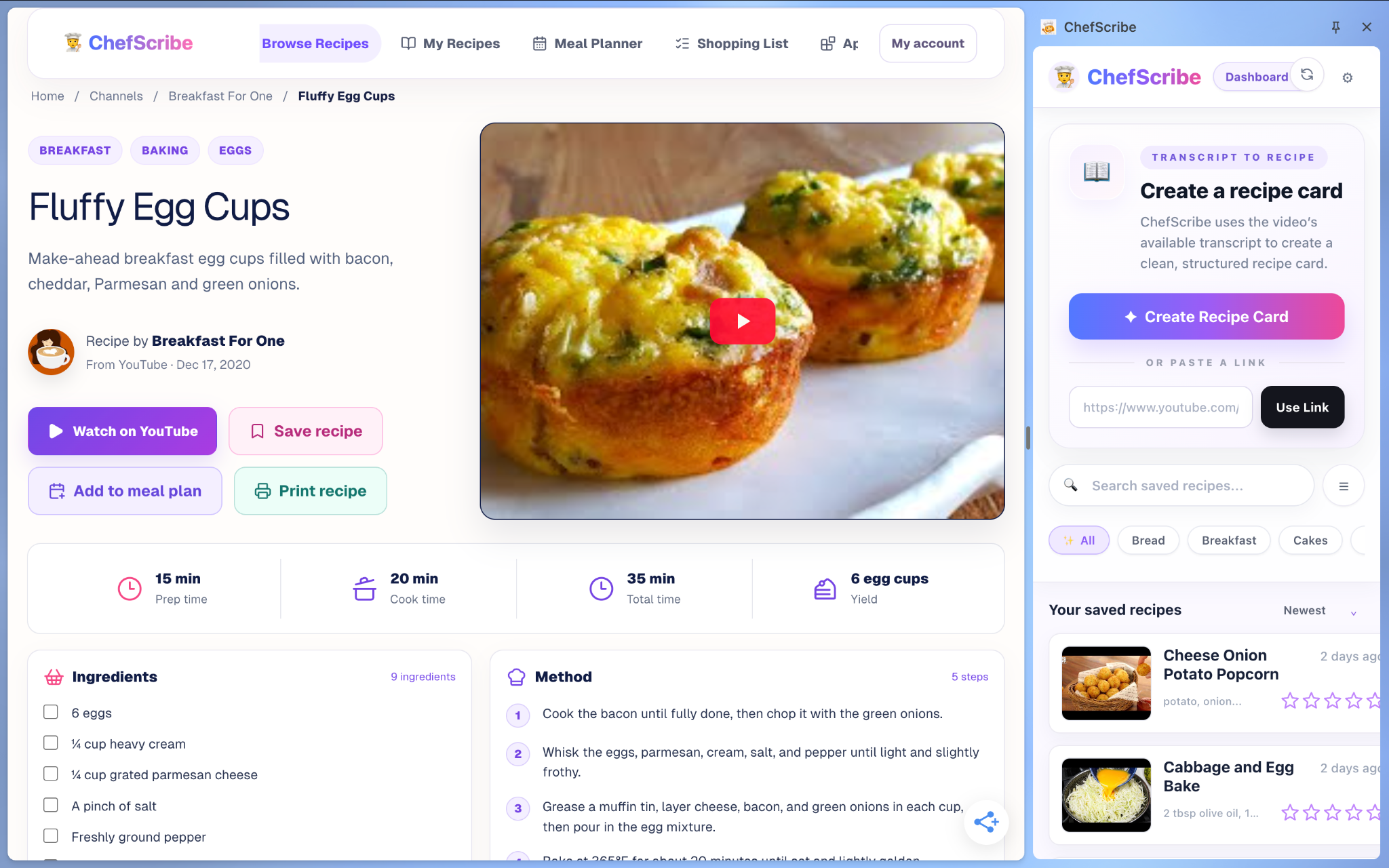
ChefScribe uses the available transcript to organise the recipe details. Check the finished card against the original video before cooking.
SEE IT HAPPEN
See how to open ChefScribe and turn a cooking video into a recipe you can keep.
Watch on YouTube ↗MAKE IT YOURS
Once your card is ready, it’s more than a bookmark.
Keep favourites in your collection. Use folders, tags and stars to find them again.
Adjust servings, copy ingredients for shopping, or add recipes to your meal plan.
Print a recipe card or open your saved library on the web. The original video stays linked for reference.
QUICK ANSWERS
No. The free plan includes 6 recipe extractions each month. Visit the pricing page if you need more.
The Chrome extension runs on desktop Chrome. You can open your saved recipe library on the web from your phone or tablet.
Check that it is a cooking video rather than a Short, with a usable transcript. If the recipe is only shown visually, there may not be enough information to create a useful card.
You can translate extracted ingredients and instructions into English. Check any unclear quantities or cooking terms against the source.

Bring the inspiration. ChefScribe helps organise the cooking.
Add to Chrome — it’s free ↗6 free extractions every month