★ Essential guide
How to Extract a Recipe from a YouTube Video
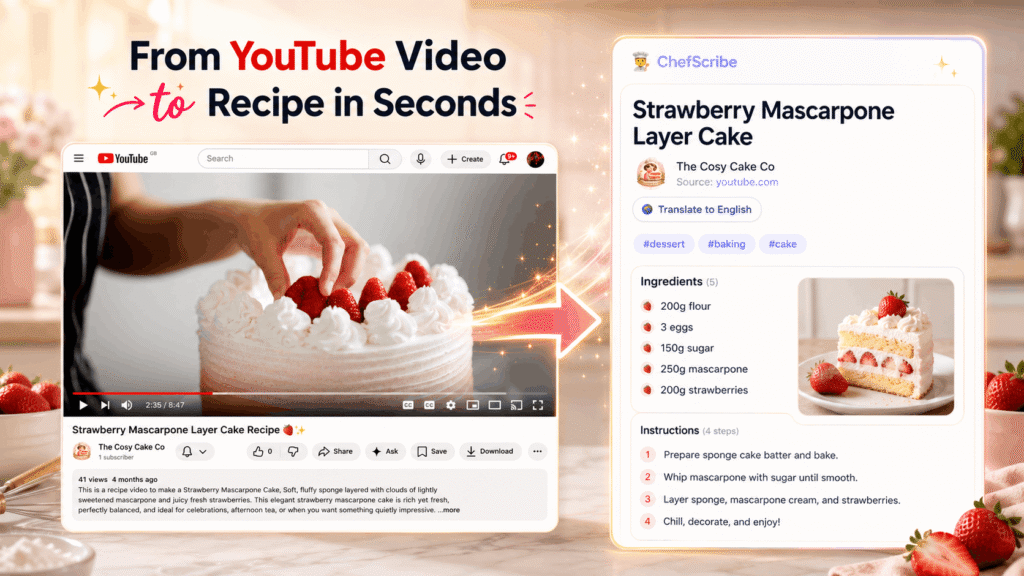
You find the perfect recipe on YouTube. The food looks amazing. The creator makes it look easy. You are ready to cook. Then the…
Practical guides for turning YouTube cooking videos into clear written recipes you can actually cook from — without the pausing, rewinding, and floury fingerprints on your screen.
You find the perfect recipe on YouTube. The food looks amazing. The creator makes it look easy. You are ready to cook. Then the…
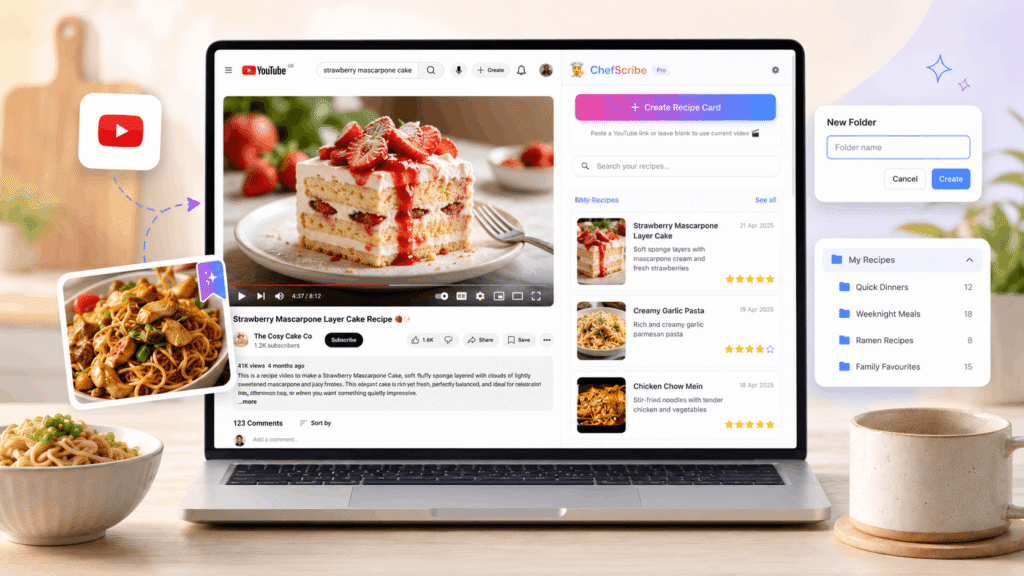
YouTube is brilliant for finding recipes, but it is not always the easiest place to save them, organise them, or cook from them later.…
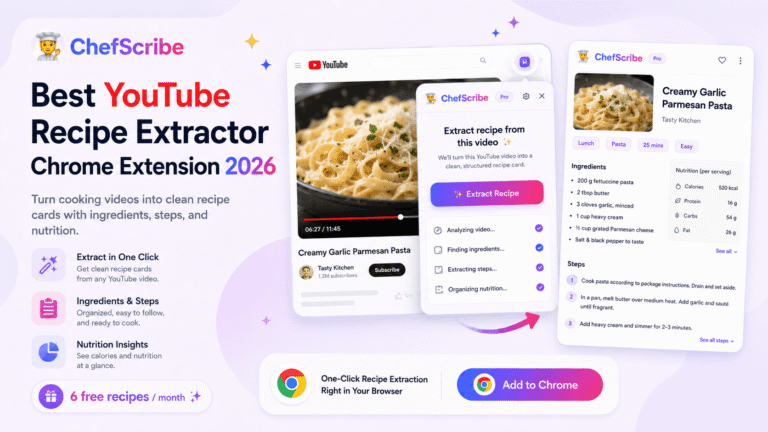
YouTube is one of the best places to find cooking inspiration, but it is not always the easiest place to actually follow…
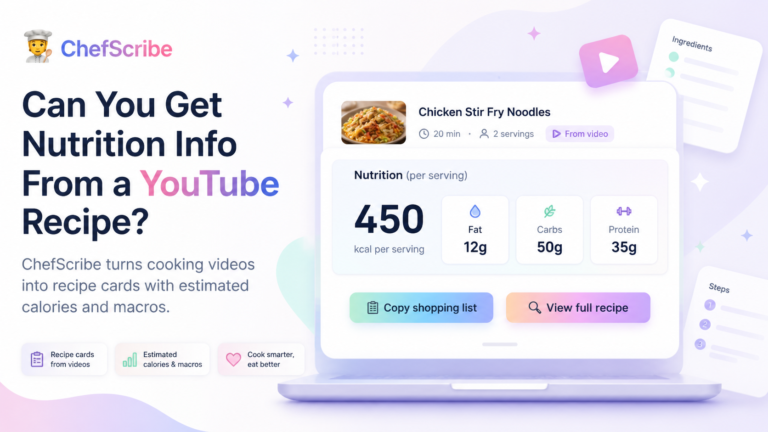
Can you get nutrition info from a YouTube recipe? Yes — but not from YouTube itself. YouTube is a video platform. It…
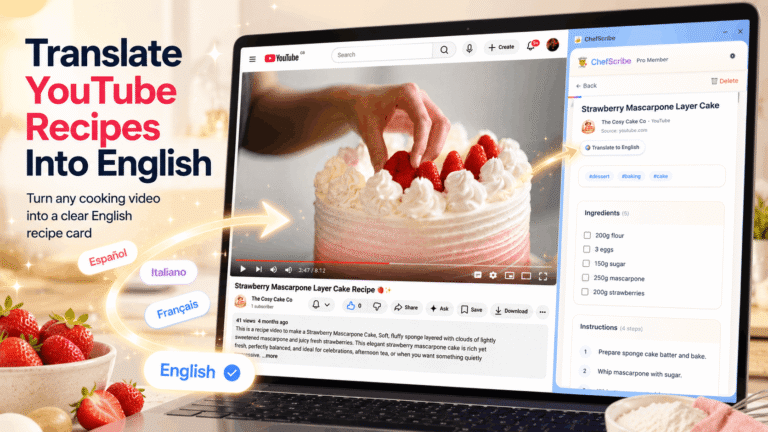
Want to know how to translate a YouTube recipe into English without guessing ingredients, cooking times, or auto-caption chaos? Some of the…
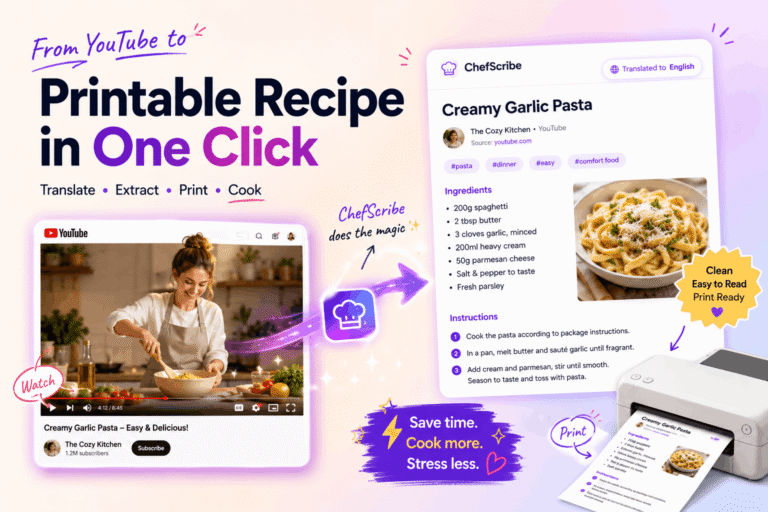
Want to know how to print a recipe from a YouTube video? You can’t print the video itself — but you can…
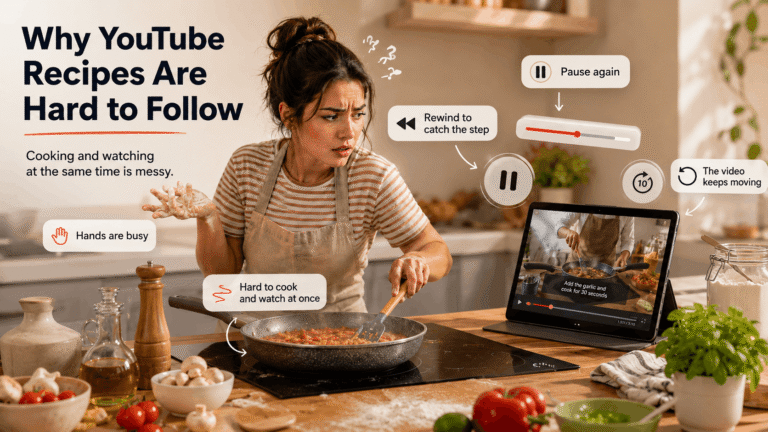
YouTube is one of the best places to learn how to cook. You can watch professional chefs prepare dishes step by step,…
And what to do about it — the short version.
Cooking videos are brilliant for showing texture, technique, and confidence. The tricky bit starts when you try to cook from them in real time: measurements flash past, steps get buried in chat, and suddenly dinner comes with a side order of rewinding.
A clean recipe card lets you scan the ingredients, follow the method in order, and check timings without prodding your phone with suspiciously sticky fingers. YouTube is great for inspiration; written recipes are better when you are actually cooking.
ChefScribe converts YouTube cooking videos into structured recipe cards with ingredients, steps, timings, and printable notes in one place. Less faff, fewer missed steps, and a much lower chance of shouting at a paused video.
