You find the perfect recipe on YouTube.
The chef makes it look simple.
The dish looks incredible.
You’re ready to cook.
Then reality hits.
You pause the video.
Rewind.
Pause again.
Try to scribble ingredients on a scrap of paper.
Somewhere between the garlic and the olive oil, the video jumps back to the intro music… again.
If you’ve ever tried to cook from a YouTube video, you already know the problem:
Videos are great for learning — but terrible for following step-by-step in the kitchen.
The good news is that it’s possible to turn a YouTube video into a written recipe that you can actually follow while you cook.
Why Written Recipes Are Still Better While Cooking
Cooking videos are fantastic for showing technique. You can see things that are hard to explain in text, such as:
- texture
- timing
- knife skills
- cooking methods
Watching a chef prepare a dish can teach you a lot.
But when it’s time to actually cook, written recipes are much easier to follow.
A written recipe lets you:
- see all ingredients at once
- follow clear numbered steps
- check quantities quickly
- save or print the recipe
- cook without constantly pausing the video
That’s why most traditional recipe websites organise recipes into two simple sections:
Ingredients
Instructions
YouTube videos rarely do this. Ingredients, measurements, and steps are usually mixed into the narration, which makes extracting the actual recipe surprisingly difficult.
The Old Way: Rebuilding the Recipe Yourself
Before recipe tools existed, most people had to reconstruct the recipe manually.
That usually meant:
- Watching the entire video once
- Pausing to write down the ingredients
- Rewatching to capture measurements
- Rewatching again to write the steps
- Pausing constantly while cooking
It works — but it’s slow and frustrating.
Some videos flash the ingredient list on screen for only a few seconds, which means you’re scrambling to pause the video at exactly the right moment.
Other videos never show the full recipe at all.
A Better Way: Turn the Video Into a Recipe
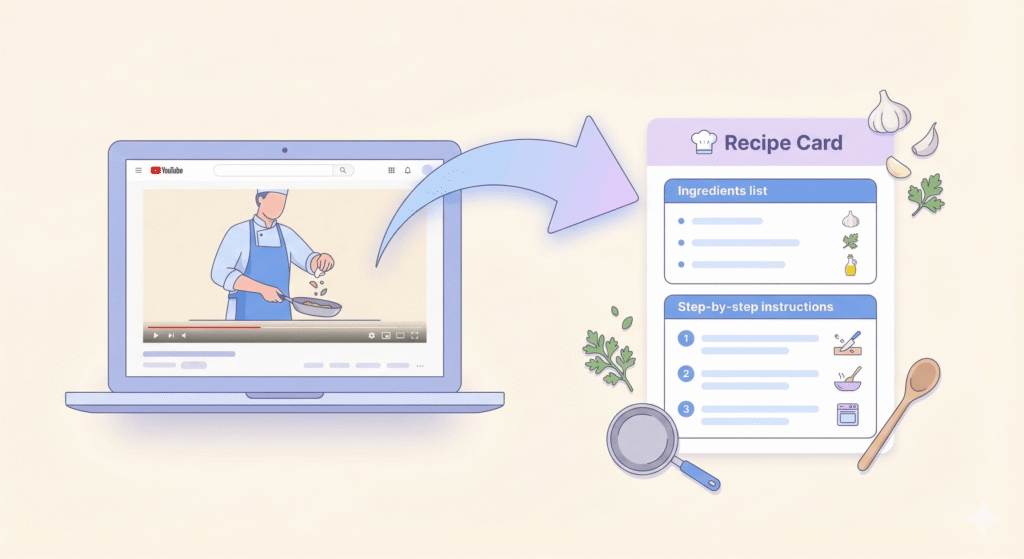
A much easier approach is to convert the cooking video into a structured recipe format.
Instead of rebuilding everything manually, the ingredients and instructions can be organised into a proper recipe card.
For example:
Ingredients
- 2 chicken breasts
- 1 tbsp olive oil
- 2 cloves garlic
- 1 tsp paprika
- salt and pepper
Instructions
- Heat olive oil in a pan over medium heat.
- Season the chicken with paprika, salt, and pepper.
- Cook for 6–7 minutes per side until golden.
- Add garlic and cook for another minute.
Once the recipe is structured like this, it becomes much easier to follow while cooking.
You can still watch the video for technique, but the written recipe guides the actual cooking process.
Ways to Turn a YouTube Cooking Video Into a Recipe
There are several ways to convert a cooking video into a written recipe.
1. Check the Video Description
Some creators include the full recipe in the description below the video.
Look for sections labelled:
- Ingredients
- Recipe
- Method
Unfortunately, many videos only include partial instructions or affiliate links, so this doesn’t always work.
2. Screenshot the Ingredient List
If the ingredients appear on screen during the video, you can pause the video and take a screenshot.
This can help capture the ingredient list, but it usually doesn’t include the full instructions or measurements.
3. Extract the Recipe Automatically
Another option is to extract the recipe directly from the video.
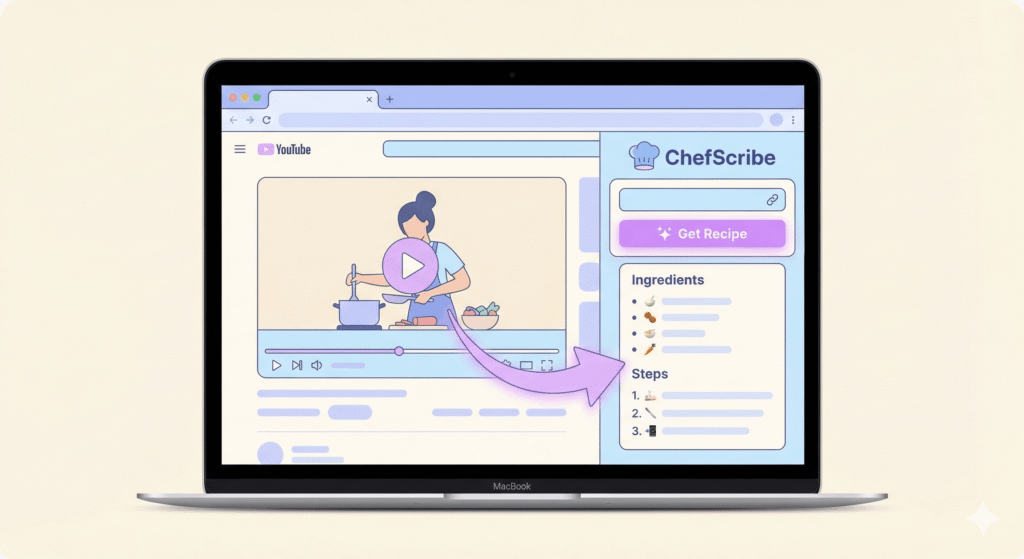
Tools like ChefScribe can convert a YouTube cooking video into a structured recipe card that includes:
- ingredients
- step-by-step instructions
- cooking time
- servings
Instead of constantly pausing and rewinding the video, you can follow a clean written recipe while still watching the chef demonstrate the technique.
Why Recipe Cards Make Cooking Easier
Once a recipe is written down properly, cooking becomes much simpler.
Recipe cards let you:
✔ see ingredients at a glance
✔ follow clear instructions
✔ avoid constant pausing and rewinding
✔ save recipes for later
✔ print recipes if needed
Instead of fighting with the video timeline, you can focus on cooking.
The Best Way to Cook With YouTube Recipes
YouTube is one of the best places on the internet to learn cooking.
You can see techniques, watch chefs in action, and discover recipes from all over the world.
But cooking videos are designed for watching, not for following step-by-step in the kitchen.
Turning a YouTube cooking video into a written recipe gives you the best of both worlds:
- watch the chef for technique
- follow a structured recipe while you cook
Once the recipe is organised into ingredients and steps, cooking becomes far easier — and you’ll spend less time rewinding and more time enjoying the food.
👉 Try ChefScribe here: [Install from Chrome Web Store]